Chapter 11: Images, Files, and Downloads
Quick Reference
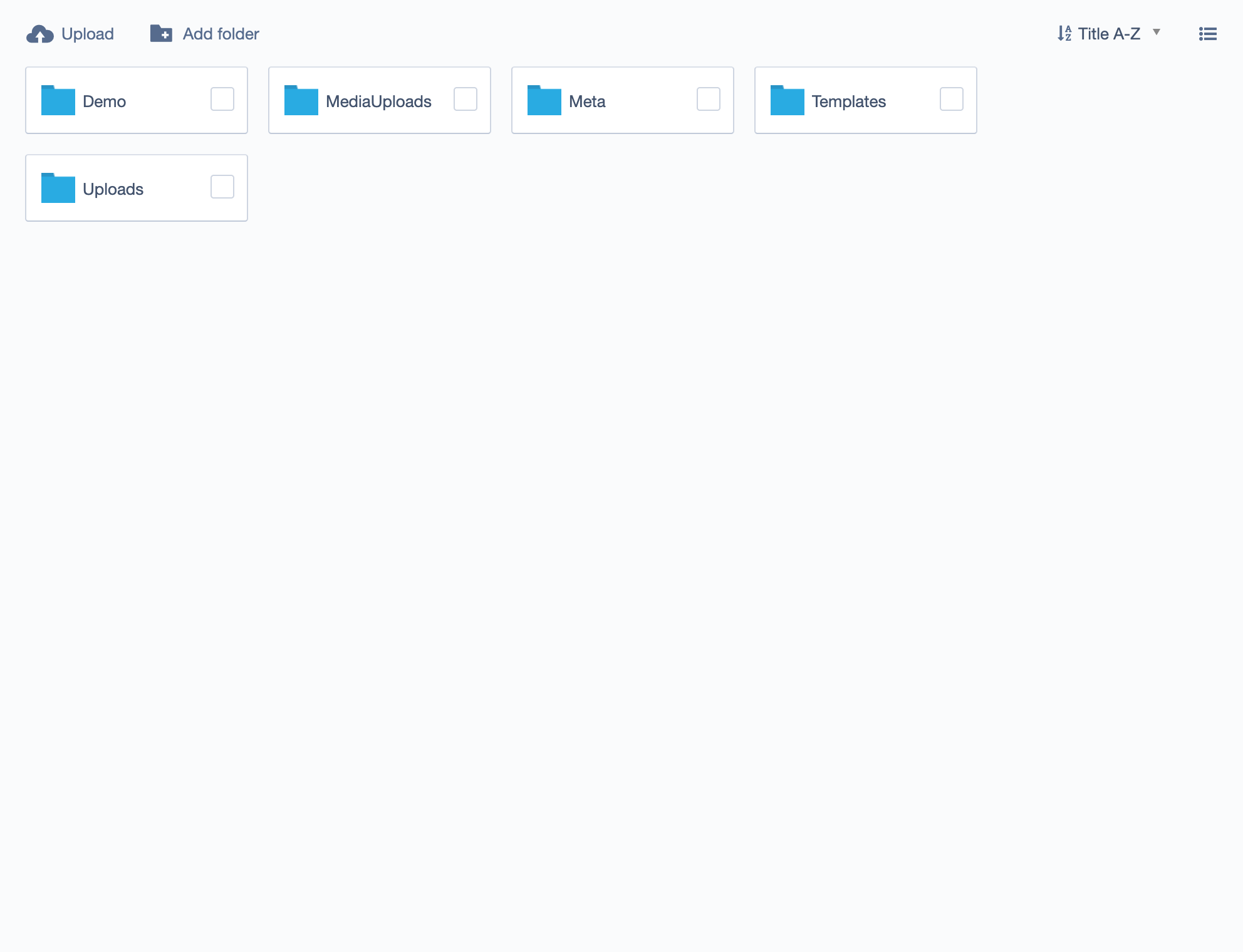
File organization: - Upload to Files section first - Create folders ("Team Photos", "PDFs", "Logos") - Don't dump everything into root "Uploads" folder
Best practices for Essentials:
- File names: Use descriptive names (office-exterior.jpg not IMG_1234.jpg)
- Image size: Resize before upload. Target under 300KB for photos
- Alt text: Always add for accessibility ("Team member John Smith smiling")
- Aspect ratios: Use consistent shapes for images in Card grids
Complete Documentation
For comprehensive guidance on file and image management, see the official SilverStripe documentation: - Images and documents overview - Inserting images - Linking documents - File permissions