Chapter 10: Links, Buttons, and CTAs
Quick Reference
Adding links in text: 1. Highlight text → Click Link icon → Choose: Page, URL, or File
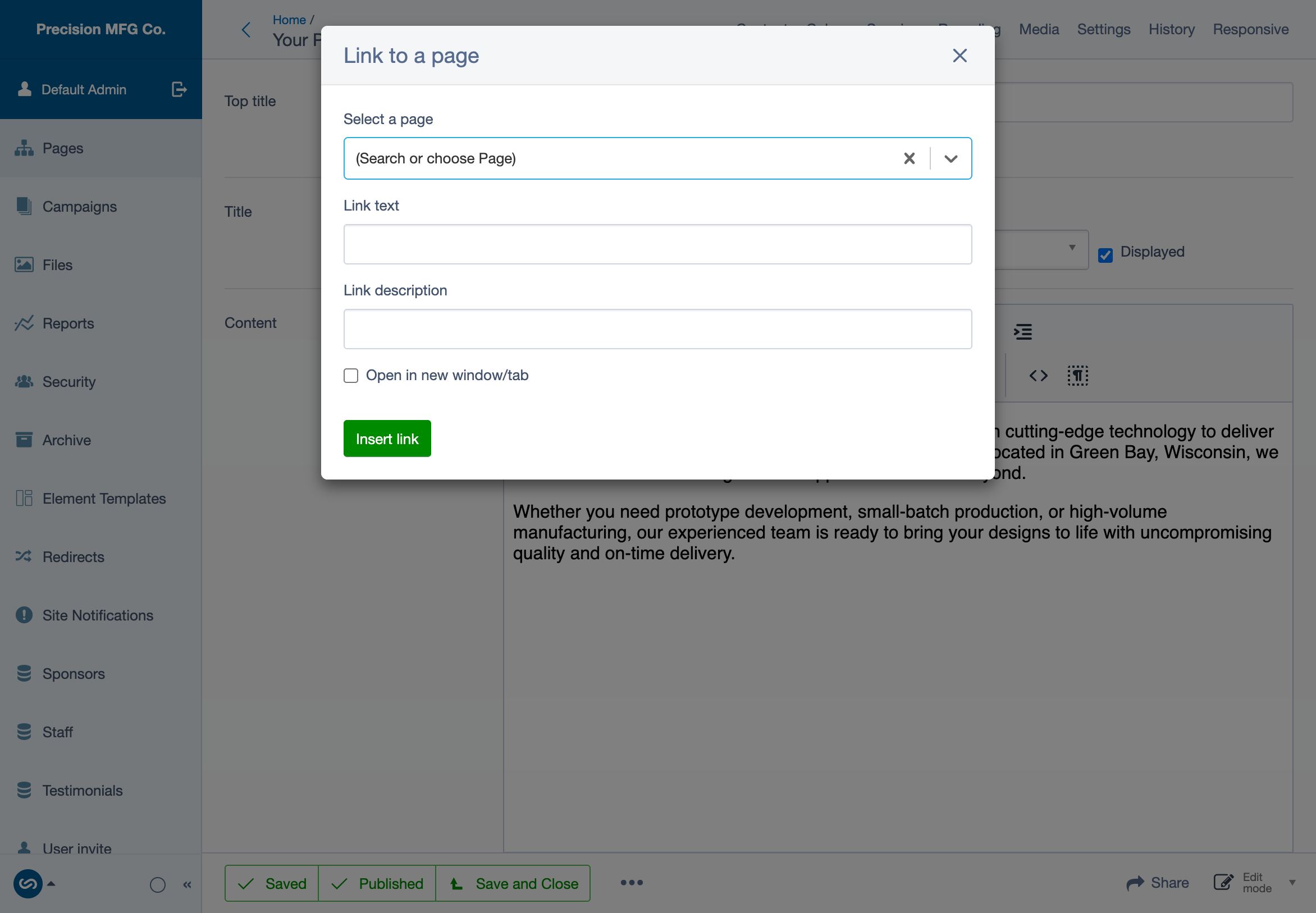
Creating buttons in Essentials elements: - Card, Call to Action, and Hero elements have dedicated Link/Button sections - Set destination, button text, and style (Primary/Secondary)
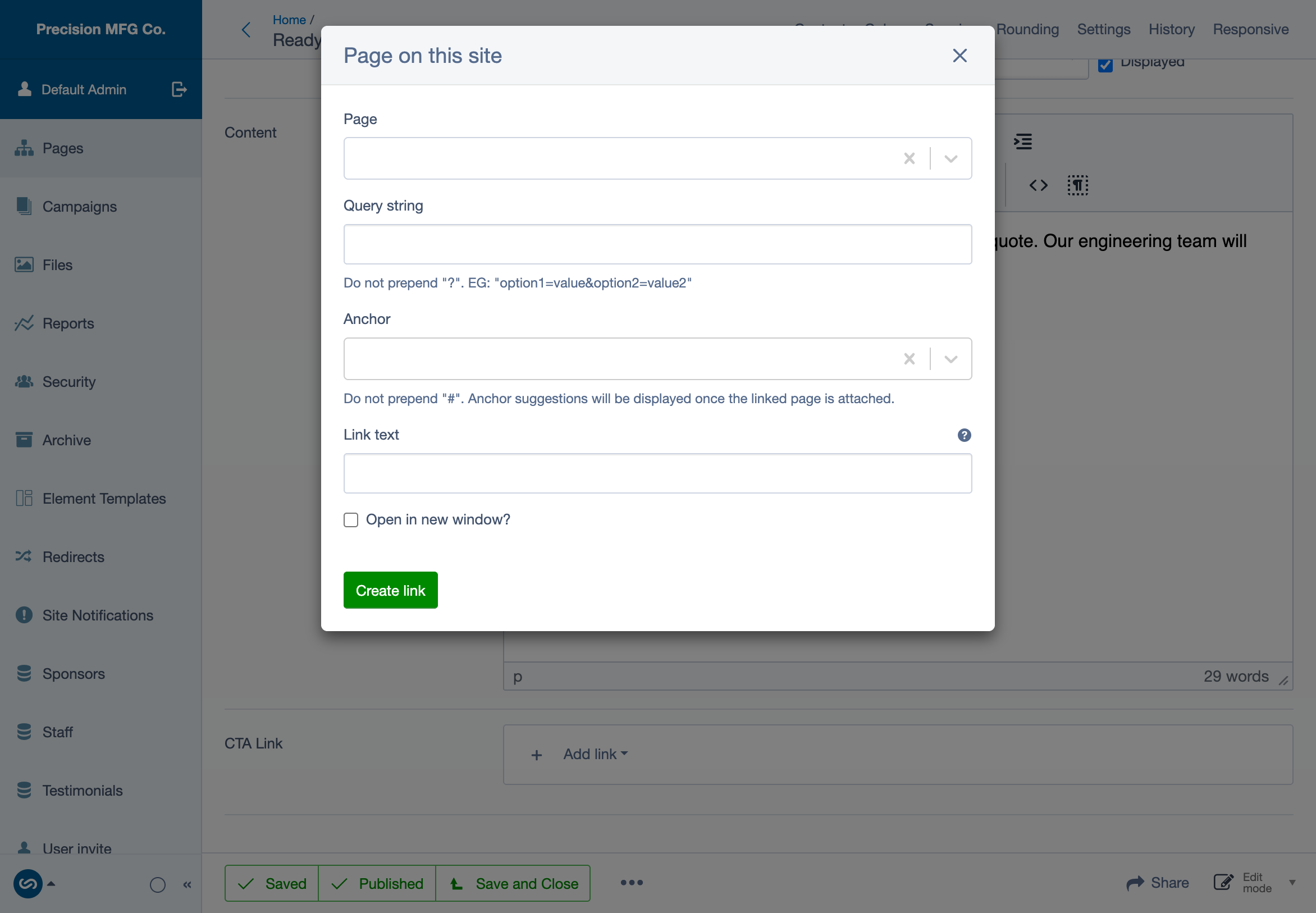
Best practices: - Use descriptive text ("Download Report" not "Click Here") - Internal links: Same tab - External links: New tab (check "Open in new window/tab")
Complete Documentation
For detailed guidance on link management including advanced options and link types, see the official SilverStripe documentation: - Managing links in the CMS - Creating hyperlinks in webpages